What an AI rap generator actually does
An AI rap generator takes a topic and produces an original rap: the words, the voice performing them, and the beat underneath. Most tools stop at audio. RapDuo goes one step further and shows the performance. You supply the faces, and we place them on a cinematic stage and animate their mouths so the delivery matches the vocal.
Under the hood there are four stages. A lyric writer turns your topic into verses that scan and rhyme. A vocal model performs them at a natural rap cadence. A beat is generated to match the tempo. Finally a video model animates your photos, applies the stage look, and syncs the lips to the audio. You never touch any of it; you just describe what you want.
Write a topic that gets great lyrics
The single biggest lever on quality is the topic. Vague topics lead to generic bars; concrete ones lead to lines that feel like they were written for you. Include who is rapping, how they are connected, and one or two vivid facts. You do not need to write rhymes yourself, and it usually works better if you do not.
- Weak: "a rap about my friend". Strong: "Nora, my roommate, who owns fourteen plants and names every one".
- Give a mood: proud, silly, sentimental, or a mix of the three.
- Mention a place or object so rhymes have something to grab.
- Keep it under two sentences. Long paragraphs get compressed and lose the specific details.
Choosing a stage
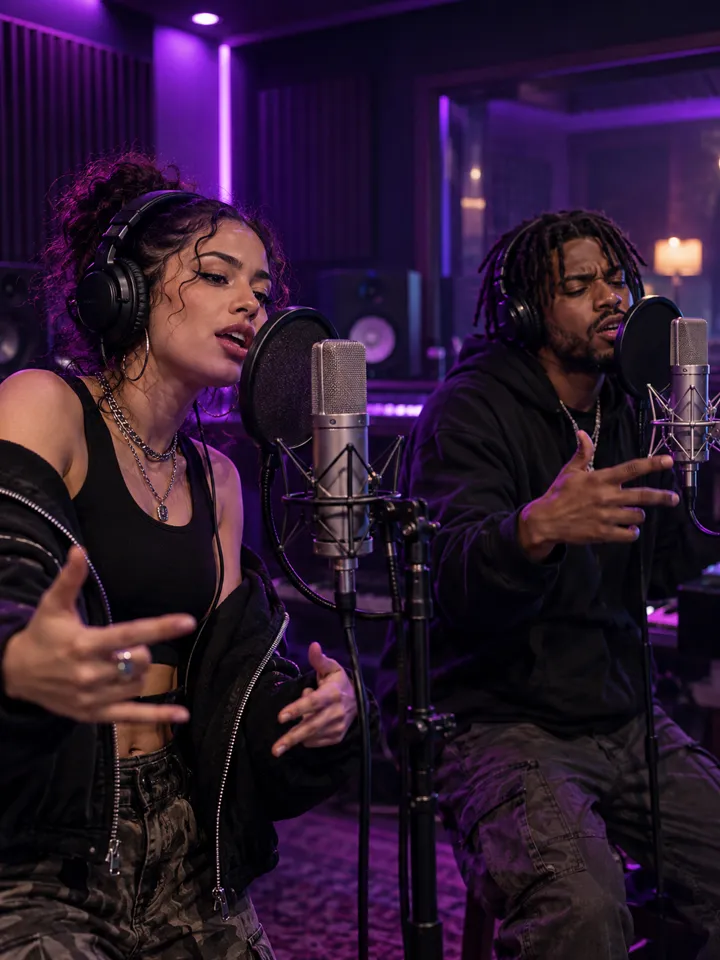
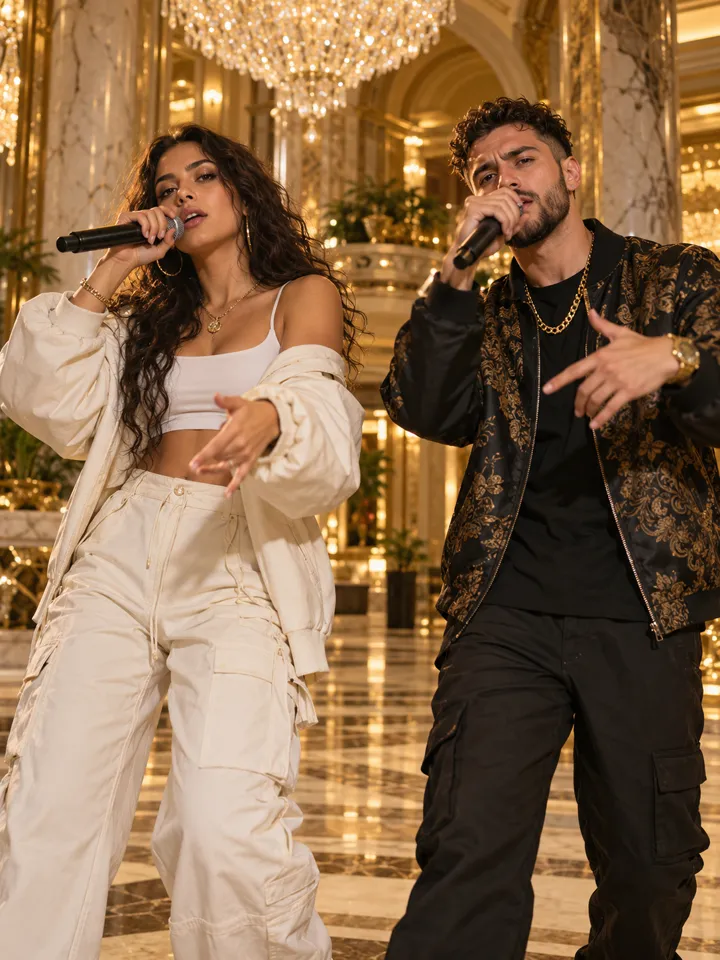
The stage is the world your performers live in. Studio Booth gives a moody neon recording-room feel and is the best default for a polished, serious take. Hotel Lobby is warm and amber, perfect for a raw one-take freestyle vibe. Luxury Lobby is marble and gold for celebration and flex. Street Cypher is a night-block scene that suits a crew-in-a-circle mood. Each is an original illustrated environment, not a copy of any real place or production.
Photo guidelines for clean lip-sync
- Face forward, eyes to the camera, mouth relaxed or lightly smiling.
- Even lighting: soft daylight is better than a harsh overhead lamp.
- No sunglasses, heavy filters, or hands in front of the mouth.
- One clear face per photo. If you use a single shared photo, make sure both people are near the lens.
- JPG, PNG or WebP up to 8 MB. Higher resolution helps, but sharpness matters more than size.
Languages, tiers and length
You can pick a rap language from English, Spanish, Portuguese, French, Italian, and Chinese. Signed-in creators can also choose a tier: Lite is the efficient default for social clips, while Pro, Ultra and Ultra Plus offer sharper detail, higher resolutions and longer maximum lengths for people who want a more polished master. Length is adjustable with a slider, and the credit total updates before you commit.
A practical workflow is to start with a 12-second Lite 720p video, which your welcome credits cover, to confirm the photos and topic work and to share. Only step up to a higher tier when you need a bigger screen or longer take.
Rights, safety and originality
The output is original. We do not use copyrighted songs, artist voices, or celebrity likenesses. You should only upload photos of people who agree to appear, and you should not use the tool to deceive, harass, or impersonate. If you share a clip publicly, tag it as AI-generated so viewers know what they are watching.