What makes an AI music video generator different?
Traditional music videos need a location, lighting, a camera, editing time, and a performer who can lip-sync convincingly. An AI music video generator removes most of that. You provide a face and a description, and the software creates the environment, the performance, and a matching soundtrack. It will not replace a professional shoot for a major release, but it is a wonderful way to give personal, playful, and social-friendly videos a cinematic frame without any equipment.
RapDuo focuses on one format and does it well: two performers, one continuous stage, and a rap or spoken-word style song. Focus keeps the results consistent. The camera stays steady, the lighting is designed around the set, and the animation stays within the limits where lip-sync looks best.
How the pipeline works
- Your topic is turned into lyrics that fit the length of the clip.
- A vocal is generated in the language you choose, with a beat that matches the tempo.
- Each photo is prepared as a performer: cropped, aligned, and placed into the stage.
- The video model animates the faces and syncs the mouths to the vocal.
- The final clip is delivered to your private link, with a scene preview shown while it renders.
Choosing a look
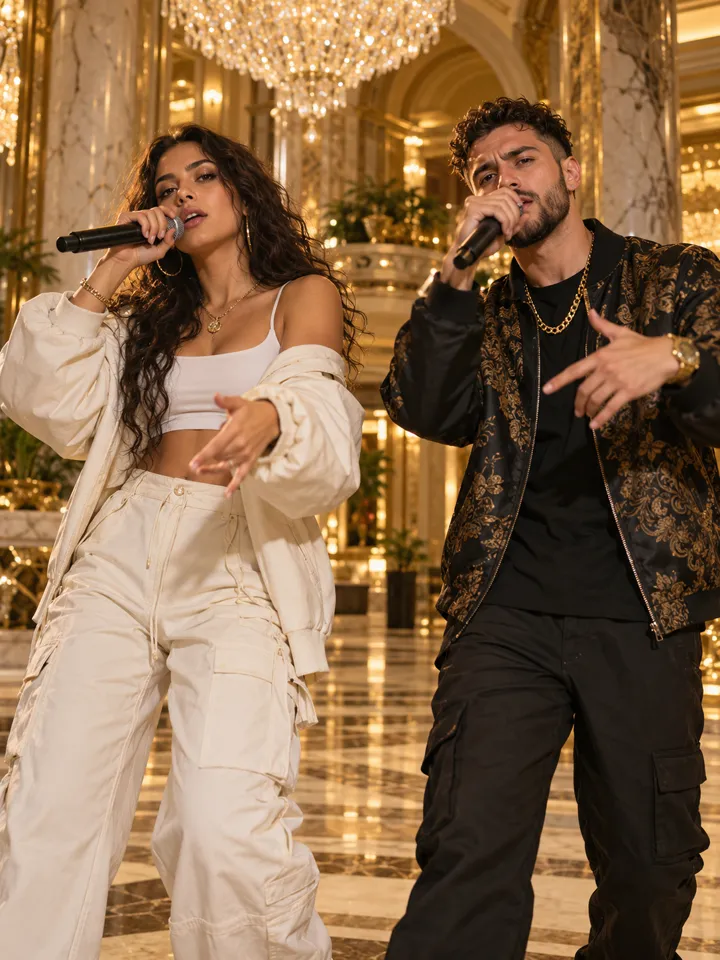
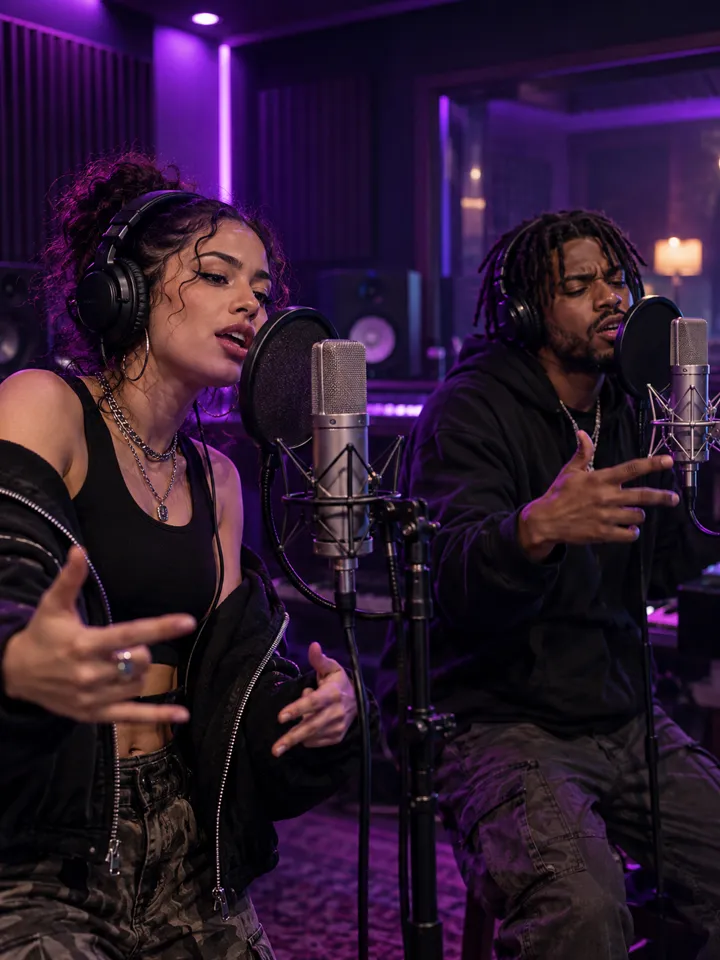
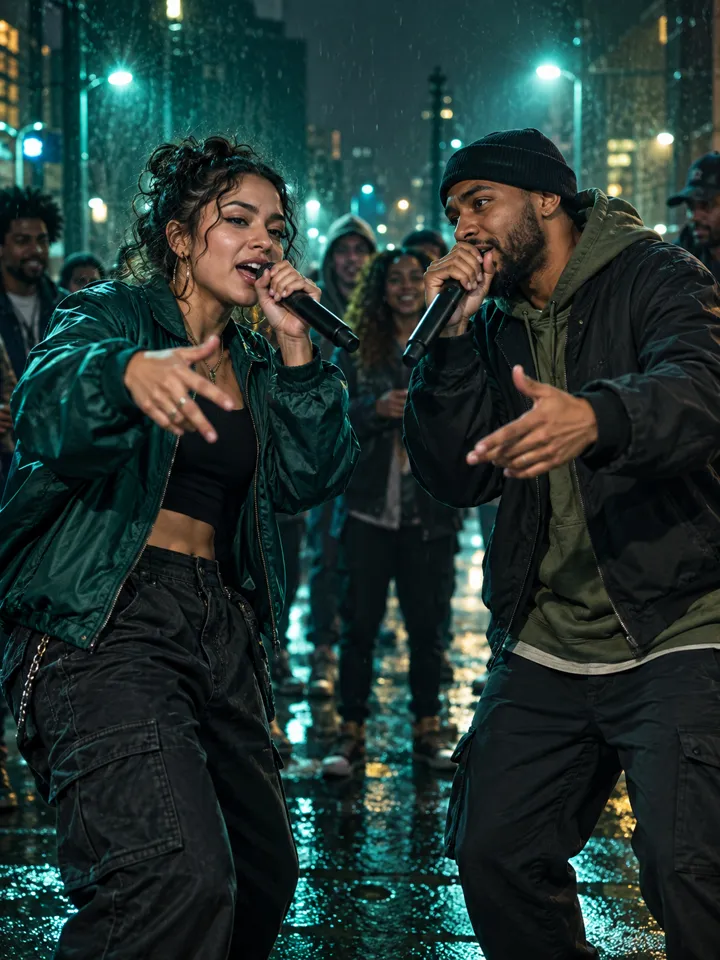
Luxury Lobby suits glossy, celebratory clips with warm gold tones. Studio Booth adds neon purple and a vocal-booth atmosphere. Hotel Lobby gives an amber, single-camera feel that looks like a late-night take. Street Cypher offers streetlights and gritty film grain. Change the stage and the same photos give an entirely different mood, so it is worth trying two.
Tips for better results
- Use portrait-oriented photos where the face fills at least a third of the frame.
- Avoid heavy face filters; natural skin and light produce smoother animation.
- Match the mood: a serious topic in Studio Booth, a party topic in Luxury Lobby.
- Keep the topic to one central idea. A music video is short, and a single idea lands best.
- Check the scene preview while it renders to see how the likeness looks.
From scene preview to final cut
While your video renders you see a scene preview: your two photos composed on the stage, which becomes the first frame of the clip. If you want a different look or length, render a new one with credits. Lite 720p is the sweet spot for social media and messaging apps. Ultra provides 1080p and longer maximum durations for occasions when the video will be shown on a larger screen.
Videos are stored on a private link. You can download your finished file and share it wherever you like. If a render fails for any reason, you are not charged.
Responsible use
Only feature people who have agreed to appear, and do not use the generator to mislead viewers. Avoid presenting AI music videos as real footage or as the work of a real artist. All output is original and does not use copyrighted recordings or celebrity likenesses.
Where AI music videos work best
Short, personal, and social are the sweet spots. A twelve-second clip fits a story, a reel, or a message thread, and it holds attention because the faces are familiar. Think of moments where a full production would be silly but a plain photo feels flat: a birthday shout-out, an engagement teaser, a team farewell, a channel intro, or a party invite.
When you plan the clip, write down the single feeling you want viewers to have, then choose the set and topic that match it. Joyful and glossy suggests the Luxury Lobby. Confident and moody suggests the Studio Booth. Raw and spontaneous suggests the Hotel Lobby. A clear feeling makes every other choice easier.